
If you run a business open to the public in the United States, almost certainly yes in practice, even though no federal rule tells private businesses what “compliant” technically means. That gap is the whole story: the obligation is real, the standard is not written down, and the risk arrives as a letter rather than an inspection.
This is general information, not legal advice. Where money is involved, what ADA website compliance costs covers the spending side.
Question 1 of 6
Which law actually applies to a private business?
Title III of the Americans with Disabilities Act, which covers places of public accommodation. Restaurants, shops, medical offices, hotels, service businesses.
Here is the part that surprises people: Title III has no adopted technical standard for websites. No regulation says “your site must meet this specification.” What has happened instead is that courts and settlements have converged on the Web Content Accessibility Guidelines, WCAG 2.1 level AA, as the working benchmark. It is a de facto standard rather than a legal one.
That produces an uncomfortable position. You can be sued, and you cannot be certified.
Question 2 of 6
Do the 2026 and 2027 deadlines apply to me?
Almost certainly not, and this is the most common confusion in the entire subject.
In 2024 the Department of Justice finalized a rule under Title II, requiring web content and mobile apps to meet WCAG 2.1 level AA. In April 2026 the DOJ issued an interim final rule reported to push the compliance dates back by a year, to April 26, 2027 for entities serving populations of 50,000 or more and April 26, 2028 for smaller entities and special districts. I have not read the rule itself, so if a date matters to you, it is published on ada.gov and in the Federal Register, and those are the versions to trust rather than this page.
Title II covers state and local governments. Cities, counties, school districts, public universities. It does not cover private businesses.
| Title II | Title III | |
|---|---|---|
| Who | state and local government | private businesses open to the public |
| Technical standard | WCAG 2.1 AA, in the rule | none adopted |
| Deadlines | April 26, 2027 and 2028 | none |
| How problems arrive | regulation and enforcement | private lawsuits and demand letters |
If you are a small business, the deadline you keep reading about is not yours. What is yours is the private-business side, and it has no date on it because it is happening continuously.
Question 3 of 6
How likely is this, really?
More likely than most owners assume, and heavily concentrated in one sector.
UsableNet, a vendor that publishes its own annual count of these filings, reported 5,114 digital accessibility lawsuits in 2025 and projects roughly 6,176 for 2026 in its mid-year update. Those are one company’s figures rather than a court statistic, ecommerce is the sector it puts first and food service second, and its published report is where to check any of this before you act on it.
Two features of that data matter more than the headline count:
- Repeat targets are common. The same trackers report that a large share of each year’s filings are against businesses that had already faced an accessibility claim. I cannot give you an exact count from a public source, so take it as a pattern rather than a number.
- Size is not much protection. These claims are generated by scanning large numbers of sites, not by investigating individual companies. A small business with a booking form is a perfectly ordinary target.
If you sell online, you are in the group most exposed. If you run a local service business with a plain site and no store, you are in the least exposed group, and it is still not zero.
Question 4 of 6
Will an accessibility widget protect me?
No, and this is the most expensive thing to get wrong, because it is sold as the cheap answer.
Overlay widgets are scripts you add to a site that claim to make it accessible automatically. The evidence against them is unusually direct.
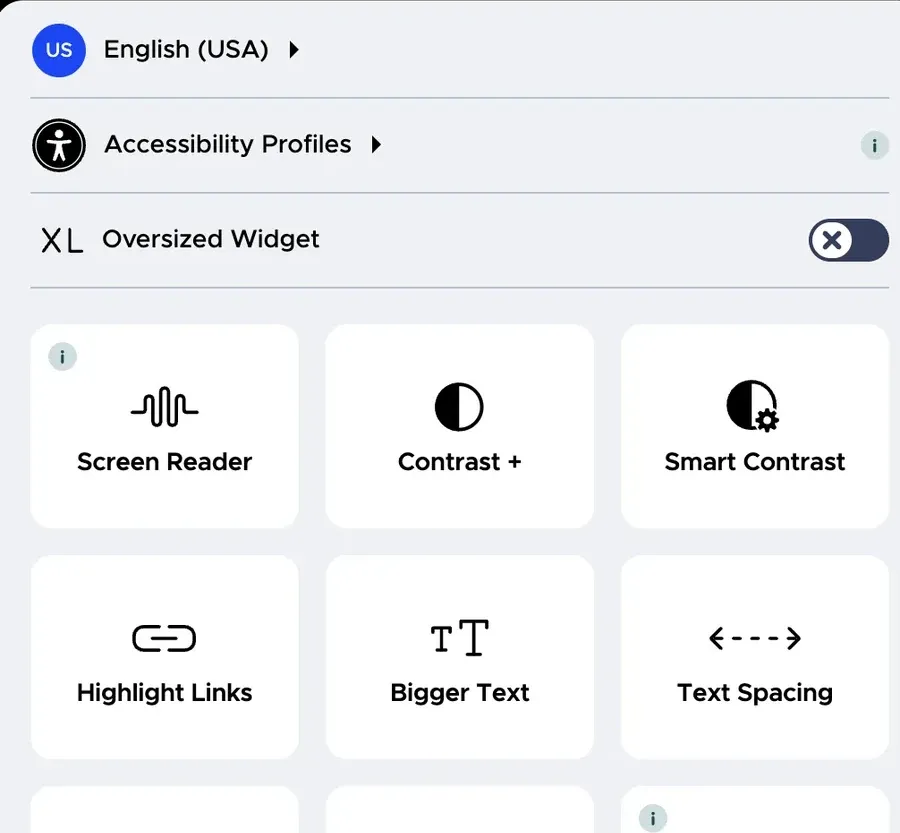
The Federal Trade Commission acted on it. In January 2025 the FTC brought a case against accessiBe, an overlay vendor, over claims that its tool could make any website WCAG compliant. The order, finalized in April 2025, required a $1 million payment. The FTC’s position was that the compliance claims were not supported by competent and reliable evidence.
Installing an overlay has not kept businesses out of court, and they have been sued with one running on the site. How a judge would treat a widget in your own case is not something I can tell you, and neither can the company selling it. What is on the public record is the regulator’s own action against an overlay vendor’s compliance claims, above.
Accessibility practitioners have said so publicly, in numbers, and the technical reason is straightforward: assistive software and overlay scripts frequently interfere with each other, and the automated scans used by plaintiffs read the underlying page rather than the overlay’s version of it.
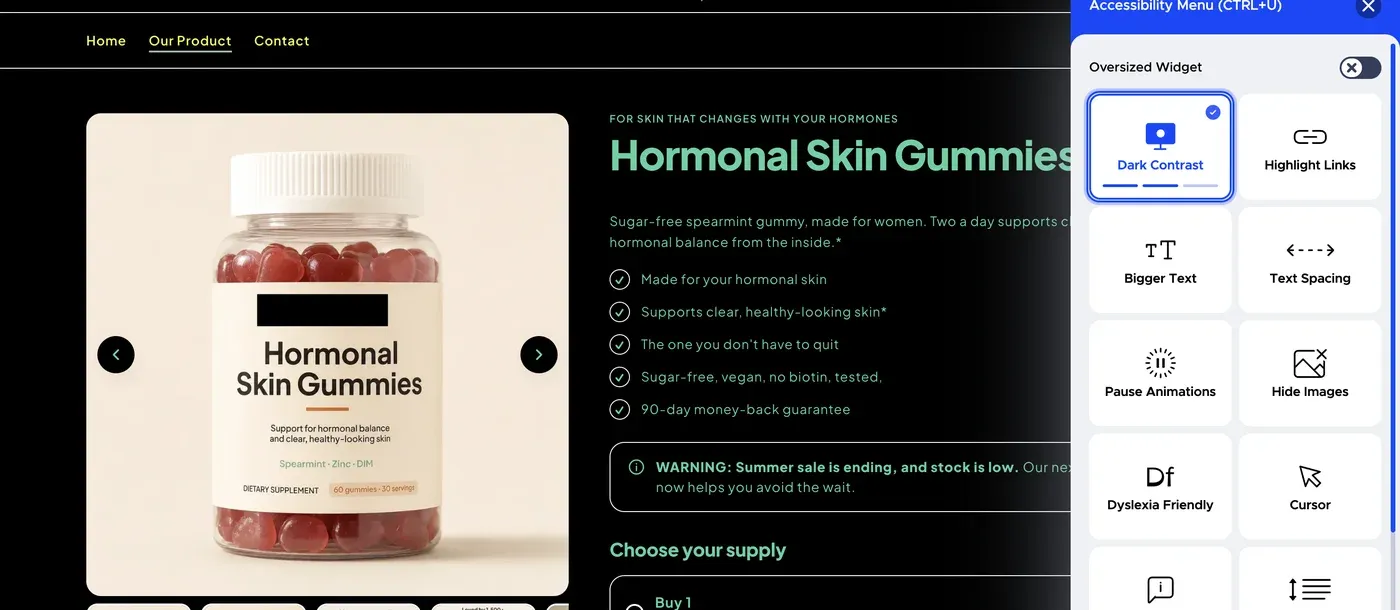
⚠️ Adding a widget can leave you paying a subscription, still exposed, and now with a public claim on your own site that it is accessible.
Question 5 of 6
What actually reduces the risk?
Building the site properly, which is unglamorous and mostly free if it is done from the start.
The items that account for most findings in accessibility claims:
- Text alternatives on images that carry information, and empty ones on decoration.
- Color contrast that is genuinely readable, not just tasteful.
- Everything reachable by keyboard alone, in a sensible order, with a visible focus indicator.
- Form fields with real labels, not placeholder text standing in for one.
- Headings in order, describing the structure rather than styling the text.
- Captions on video, and a transcript where the content matters.
- No information carried by color alone.
None of that costs anything extra when the site is being built. All of it costs money when it is retrofitted onto a finished site, which is the subject of what ADA website compliance costs.
Question 6 of 6
What I do, and what I will not claim
I build sites using the practices above: real alt text, readable contrast, keyboard navigation, labeled form fields, ordered headings. That is ordinary competent construction, and it is included rather than an add-on.
What I do not do, and will not say I do:
- I do not certify a site as ADA compliant. Nobody can, because there is no certification for Title III.
- I do not guarantee that you will not receive a demand letter. Nobody can promise that either.
- I do not perform a formal accessibility audit, and I do not test with assistive technology users.
- I am not a lawyer, and nothing here is legal advice.
If accessibility is a serious exposure for your business, and it is if you sell online, you want a specialist accessibility audit and a lawyer who works on ADA claims. That is a different purchase from a website, and I would rather say so than let a page imply otherwise.
Frequently asked questions
Can a small business be sued over its website?
Yes. There is no small business exemption in Title III, and the volume of filings each year is made up substantially of ordinary businesses rather than large corporations. What varies is exposure rather than eligibility: sites that sell online, take bookings, or handle a lot of traffic get scanned and targeted far more often than a four-page site for a local trade.
What standard should I ask a web builder to work to?
WCAG 2.1 level AA, because that is what courts and settlements have converged on, even though no regulation imposes it on private businesses. Ask a builder how they handle alt text, contrast and keyboard navigation. Be careful with any answer that involves installing a widget, and be more careful with one that promises compliance.
Does it help to add an accessibility statement to my site?
It can, as a genuine statement of what you have done, what you know is imperfect, and how someone can reach you if they hit a barrier. It hurts if it claims a level of conformance you have not tested for, because you have then published a written claim about your own site that may be wrong. Write what is true, including the parts that are not finished.